
Description
Green Canva Wedding Digital Invitation | 5-Page Editable Wedding Website | Click-to-Open Envelope | Gray Green and Light Yellow Theme | Custom RSVP Form | Free Canva Domain | Instant Download | Designed by KLo Design
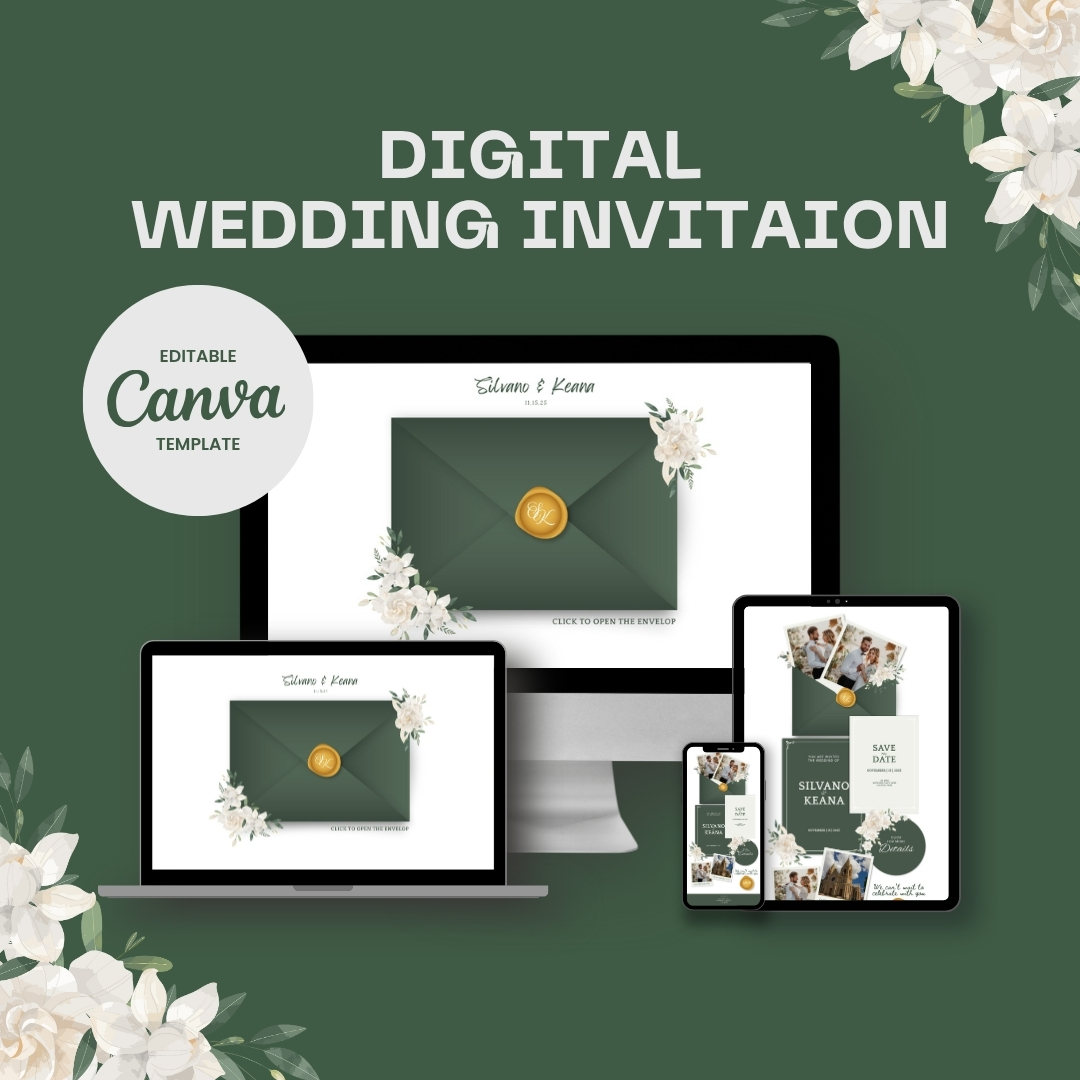
Celebrate your upcoming wedding with an elegant and modern digital invitation created in a refined Gray Green and Light Yellow color palette. This beautifully crafted template was designed by KLo Design to give couples an easy, stylish, and paperless way to announce their special day while keeping everything editable and simple to customize.
This design features an animated Click-to-Open envelope introduction, a complete 5-page wedding website, and a customizable RSVP or Guest Details form to collect everything you need in one place. No Canva Pro subscription is required; everything works with a free Canva account.
Created by (KLo Design)
I designed this template to provide a luxurious yet easy-to-use digital invitation experience. Whether you’re familiar with design tools or completely new to them, this template lets you build a polished wedding website in just a few minutes.
What You Receive (Instant Download)
A Fully Editable 5-Page Canva Wedding Website:
-
Landing Page with Click-to-Open envelope animation
-
Main Invitation Page
-
Ceremony Details Page
-
Travel and Accommodation Page
-
Dress Code and FAQ Page
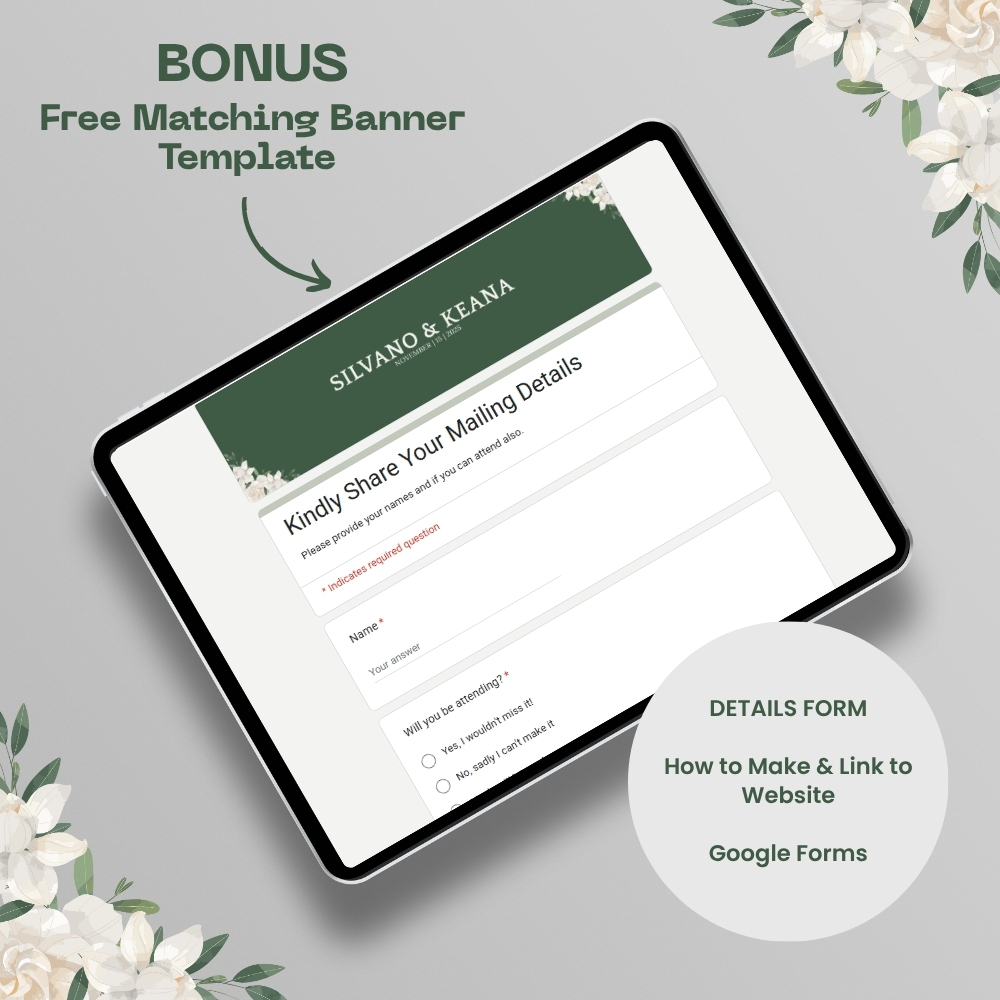
RSVP or Guest Details Form:
-
Google Form setup instructions
-
Matching header banner design
-
Collect names, attendance, preferences, messages, and more
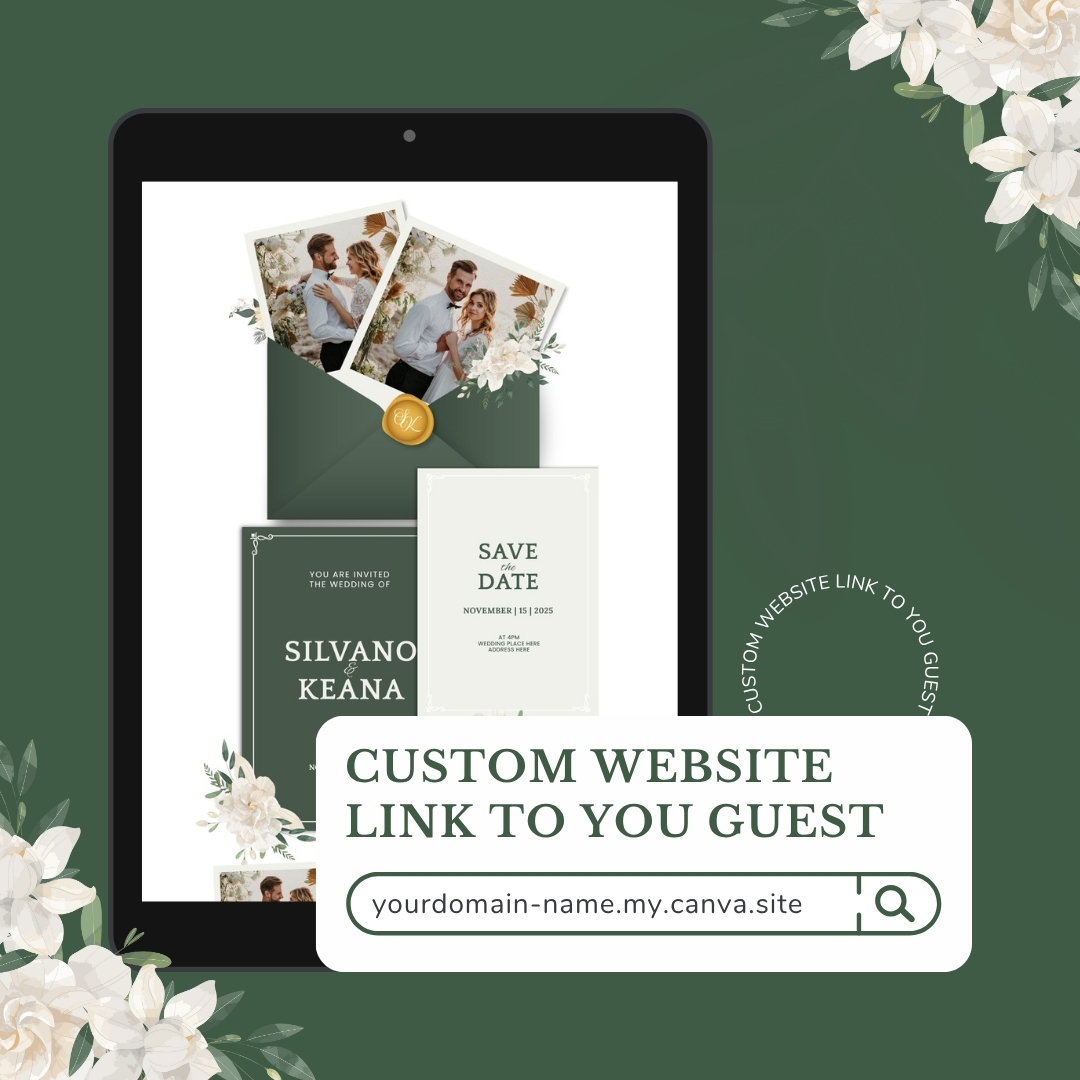
Free Canva Website Domain:
You can publish your wedding website instantly using Canva’s free domain. No additional hosting or payment required.
Editable With a Free Canva Account:
No upgrades necessary. All elements are compatible with Canva Free.
Make It Your Own
You have full control over:
-
Text and fonts
-
Photos
-
Background colors and text colors
-
Layout adjustments
-
Animations
-
Decorative elements placement
-
RSVP or Google Form questions
If you don’t prefer the envelope animation, you may delete or replace the entire page.
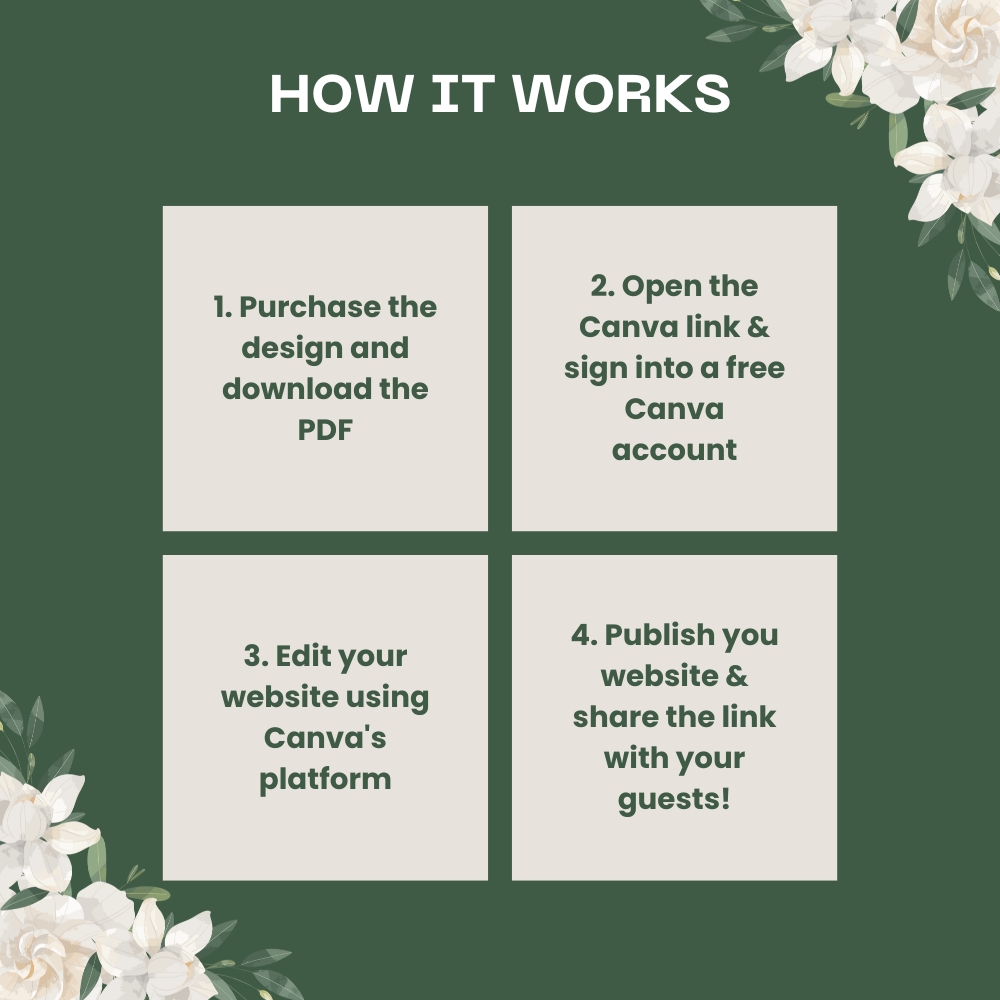
How It Works
-
Purchase the template
-
Download the included PDF guide
-
Click the Canva links provided
-
Replace the sample information with your own details
-
Publish using the free Canva domain
-
Share your wedding link with your guests
Mobile and Desktop Ready
The website automatically adjusts to different screen sizes. A few layout tips are included to help keep everything aligned if you move elements around.
FAQ
Can I edit everything?
Yes. You can modify text, change colors, swap photos, adjust layouts, or remove sections.
Do I need Canva Pro?
No. This template works perfectly with the free version.
Will I receive the Google Form?
You will receive instructions and a matching banner to build your own customized form.
Can I use the template more than once?
Yes, for personal use. You may create multiple versions for your own events.
Can you help if I need assistance?
Yes, you can always message me for help.
Terms of Use
-
Digital download only; no physical product will be shipped.
-
No refunds due to the nature of digital files.
-
For personal use only.
-
Reselling, sharing, copying, or recreating the template or graphics is not allowed.
-
All layout designs and elements are original to KLo Design
-
Access may be revoked if terms are violated.
Reviews
There are no reviews yet.